Configuration Backup
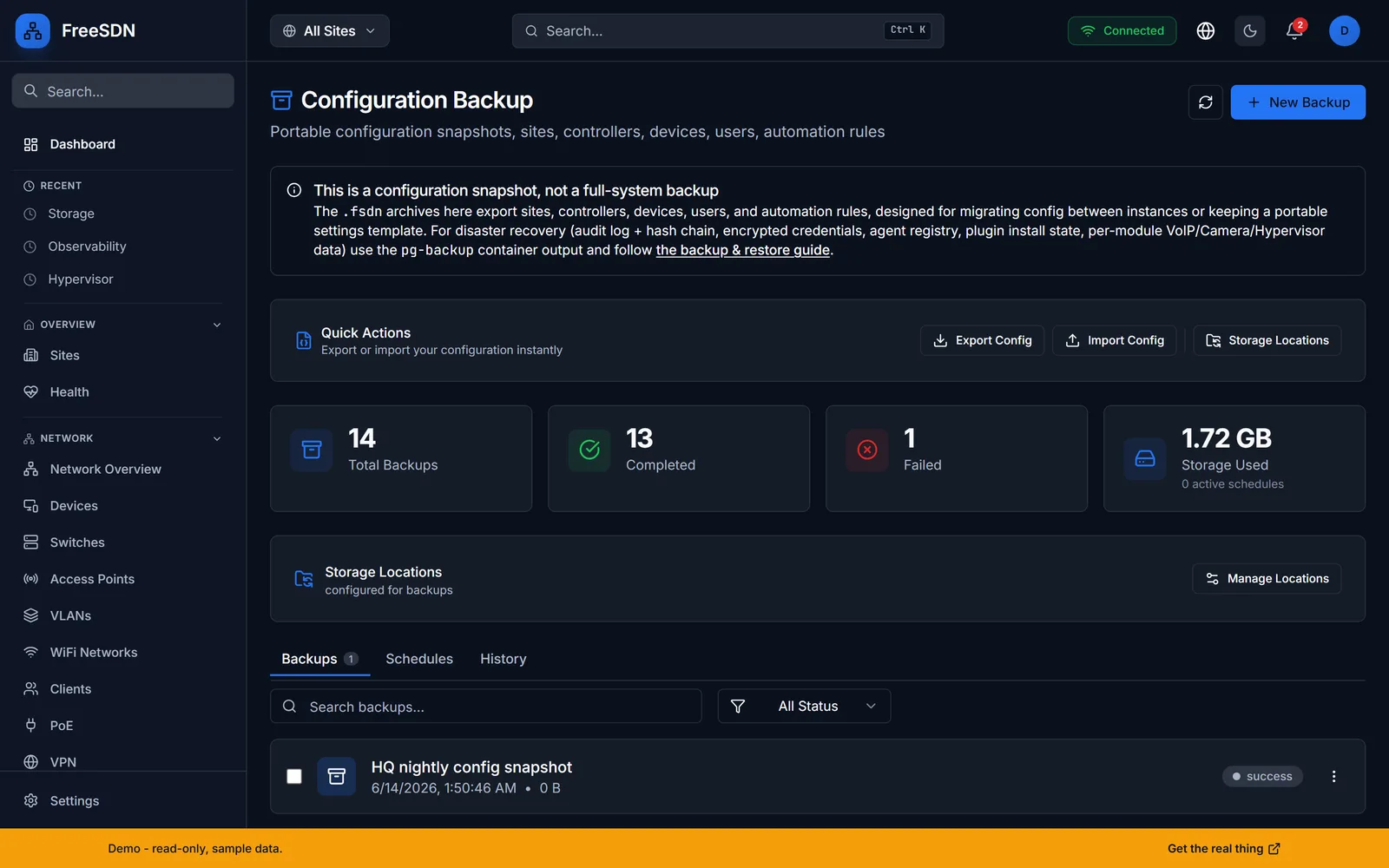
Capture your FreeSDN configuration as a portable snapshot. The .fsdn archive covers sites, controllers, devices, users, and automation rules, so you can migrate between instances or keep a versioned settings template. It is a config snapshot, not a full-system disaster-recovery image.
Portable configuration snapshots (.fsdn archive) covering sites, controllers, devices, users, and automation rules. Scheduled and on-demand, with restore, retention policies, cross-version diff, and AES-encrypted storage (Fernet). This is a config snapshot, not a full-system disaster-recovery image.
Configuration Backup capabilities
Portable .fsdn snapshots
Export sites, controllers, devices, users, and automation rules into a single portable archive you can move between instances.
Scheduled and on-demand
Run backups on a schedule or on demand. The demo shows nightly config snapshots with success and failure counts.
Restore and retention
Restore from any snapshot and apply retention policies so old backups are pruned automatically.
Config diff
Compare snapshots across versions to see exactly what changed between two points in time.
Storage locations
Point backups at configured storage locations; off-site copies are supported via S3, SFTP, FTP, Google Drive, Dropbox, and WebDAV.
Encrypted at rest
Archives are encrypted at rest with Fernet (AES-128 with PBKDF2-derived keys), so a snapshot is safe to store off the box.
Built in: snapshots cover FreeSDN's own configuration, independent of any single vendor.
- This is a configuration snapshot, not a full-system DR image. For disaster recovery, use the database backup tooling and follow the backup-and-restore guide in the docs.
Explore other modules
All modules →See it running in your browser
Explore the full FreeSDN dashboard with realistic sample data, no signup, no backend. Then install it in minutes.