Compute & Hypervisor
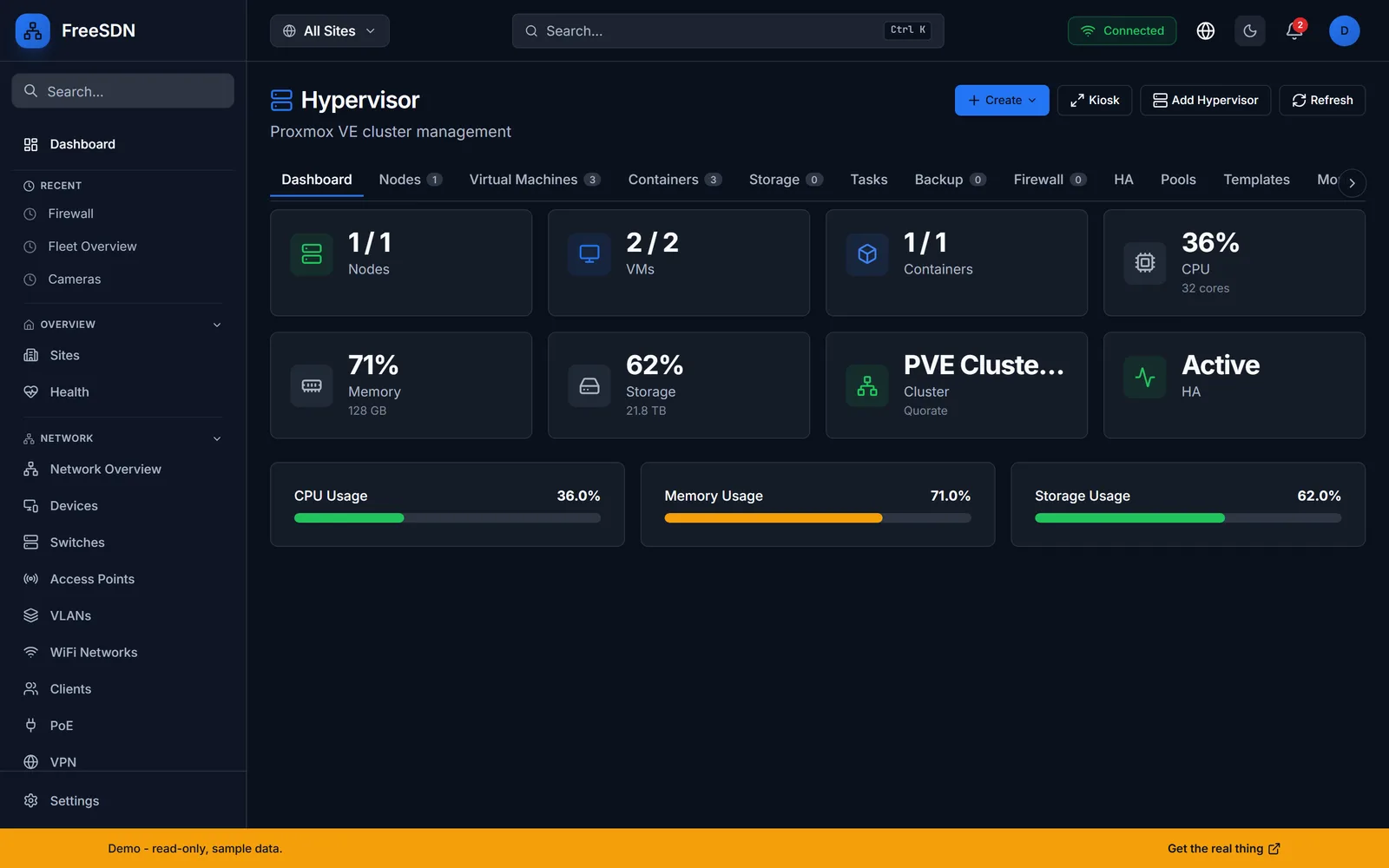
Operate your Proxmox VE estate from the same pane as the rest of your infrastructure. Watch cluster and node health, drive VM and LXC lifecycle, take snapshots, and inspect storage pools and SDN zones.
Proxmox VE management via the Proxmox adapter. Cluster overview, node stats, VM and LXC lifecycle, snapshots, backups, storage-pool inventory, SDN zones, and cluster state.
Compute & Hypervisor capabilities
Cluster and node overview
See nodes, quorum, CPU, memory, and storage utilization at a glance, with per-node drill-down.
VM lifecycle
Start, stop, and manage virtual machines and track their state across the cluster.
LXC containers
Manage LXC containers alongside VMs from one unified view.
Snapshots and backups
Take and manage snapshots and backups so you can roll a guest back to a known-good point.
Storage pools
Inventory storage pools and their capacity across every node in the cluster.
SDN zones
Surface Proxmox SDN zones so virtual networking is visible right next to your physical network.
This module drives the following vendor adapters. One typed API, one dashboard, regardless of who made the hardware.
See all 13 vendor adaptersDevice writes are built to ride the staged-change pipeline: staged first, then applied behind a dual gate, meaning read-only mode off plus an explicit force, with an audit record. A set of older endpoints still writes directly, and a CI ratchet pins that list so it can only shrink. Saga-style rollback covers the cross-vendor distribution flows rather than every individual write.
Explore other modules
All modules →See it running in your browser
Explore the full FreeSDN dashboard with realistic sample data, no signup, no backend. Then install it in minutes.