Network Management
Operate the entire access layer from one console. FreeSDN normalizes switches, access points, VLANs, WiFi, and PoE across TP-Link Omada, Ubiquiti UniFi, MikroTik, and OpenWrt into one typed model, so a port-VLAN change or a PoE power-cycle works the same no matter who made the hardware.
Manage switches, access points, VLANs, WiFi networks, PoE, and topology across vendor adapters. Interactive port-VLAN matrix, LAG, port mirroring, rogue-AP detection, firmware lifecycle, and config history.
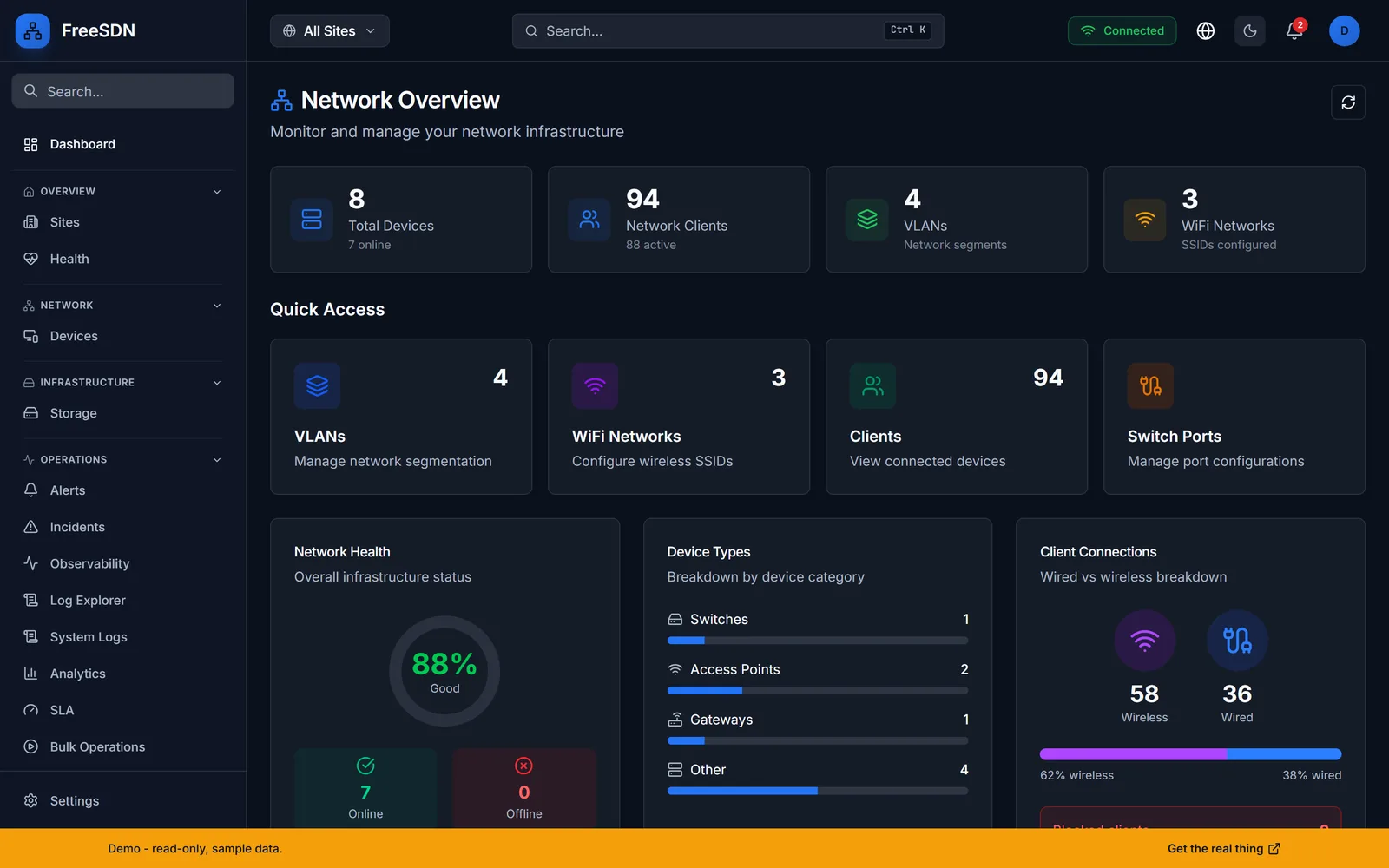
Network Management capabilities
Interactive port-VLAN matrix
A grid maps every switch port to its access and tagged VLANs. Stage a change, review the diff, then apply it through the dual-gated change pipeline so nothing touches a device by accident.
WiFi and SSID management
Create and tune SSIDs, bands, and radio settings, and watch client associations roll up across controllers. Rogue-AP detection flags broadcasts that should not be there.
PoE control
Inspect per-port power draw and budget, then cycle PoE on a stuck access point or camera remotely, with no truck roll.
LAG and port mirroring
Bond ports into link-aggregation groups and set up SPAN/mirror sessions for packet capture, all from the same port view.
Topology and clients
A topology view ties switches, gateways, APs, and clients together; the client list shows who is connected, on which device, and whether they are wired or wireless.
Firmware lifecycle and history
Track firmware versions across the fleet and keep a config-history trail so you can see what changed and when.
This module drives the following vendor adapters. One typed API, one dashboard, regardless of who made the hardware.
See all 13 vendor adapters- Capabilities vary by vendor. The platform gates every action behind per-adapter capability flags, so the UI only offers what your hardware actually supports.
Explore other modules
All modules →See it running in your browser
Explore the full FreeSDN dashboard with realistic sample data, no signup, no backend. Then install it in minutes.