TP-Link Omada
Manage Omada switches, APs, and gateways through FreeSDN's Network Management module, with staged dual-gate writes, a full port-VLAN matrix, and live updates.
Production tier: the reference adapter the others are audited against.
The Omada adapter is FreeSDN's reference implementation and the gold standard every other adapter is audited against. It manages TP-Link Omada controller-managed switches, access points, and gateways through the Omada Software or Hardware Controller REST API, and surfaces them in the Network Management module: ports and the interactive VLAN matrix, PoE, WiFi, firmware, config history, and clients.
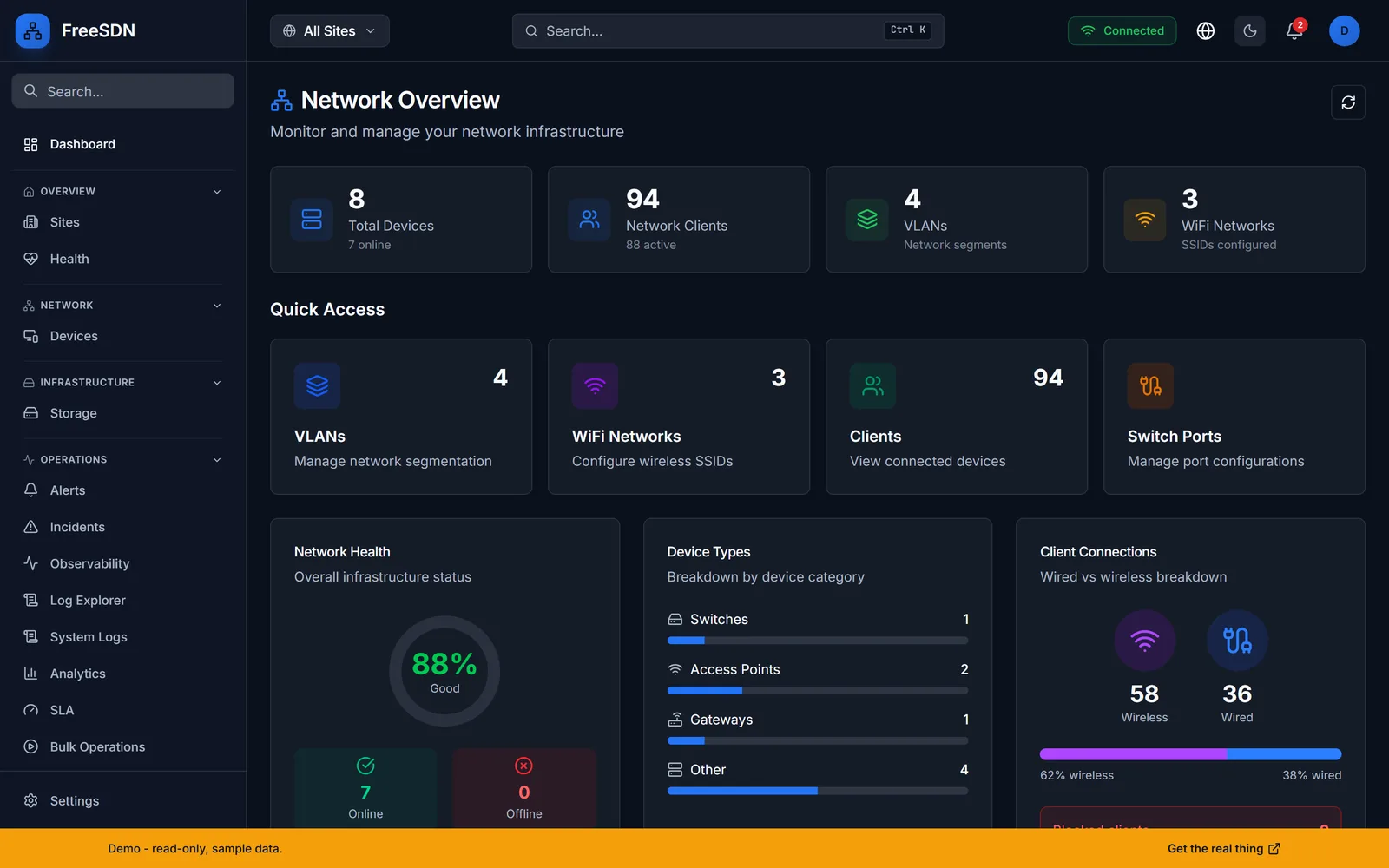
TP-Link Omada capabilities
The interactive port-VLAN matrix
Assign untagged, tagged, or empty per switch port from one grid, the same way you would on the controller, but normalized into FreeSDN's data model and applied through the staged change pipeline.
RF health and rogue-AP detection
Channel utilization, radio settings, and neighboring-AP scans surface noisy channels and rogue access points so you can tune WiFi without leaving the dashboard.
Firmware and config lifecycle
Upgrade, roll back, batch, and schedule firmware across devices, and keep a config history with a diff viewer so every change is reviewable.
- Connects over the Omada Software or Hardware Controller REST API.
- Authenticates with a controller username and password stored as an encrypted credential.
- Add the credential, register the controller, then run discovery to import sites and devices.
- Tier
- Production (reference adapter)
- Category
- Networking
- Transport
- Omada Controller REST API
- Auth
- Controller username + password
- Writes
- Staged, dual-gate
- Real-time
- 21 WebSocket event handlers
- Omada gateways are treated as limb-only by design; Layer 3 brain-role orchestration is handled by the gateway adapters, not Omada.
Explore other integrations
All adapters →See it running in your browser
Explore the full FreeSDN dashboard with realistic sample data, no signup, no backend. Then install it in minutes.