OPNsense
Manage OPNsense firewall rules, NAT, VPN, routing, and IDS/IPS through FreeSDN's Firewall module, with drift detection and staged dual-gate writes across 13 domains.
Production tier: 13 firewall and gateway domains; the configuration domains read, stage, and apply, while diagnostics and service control run directly.
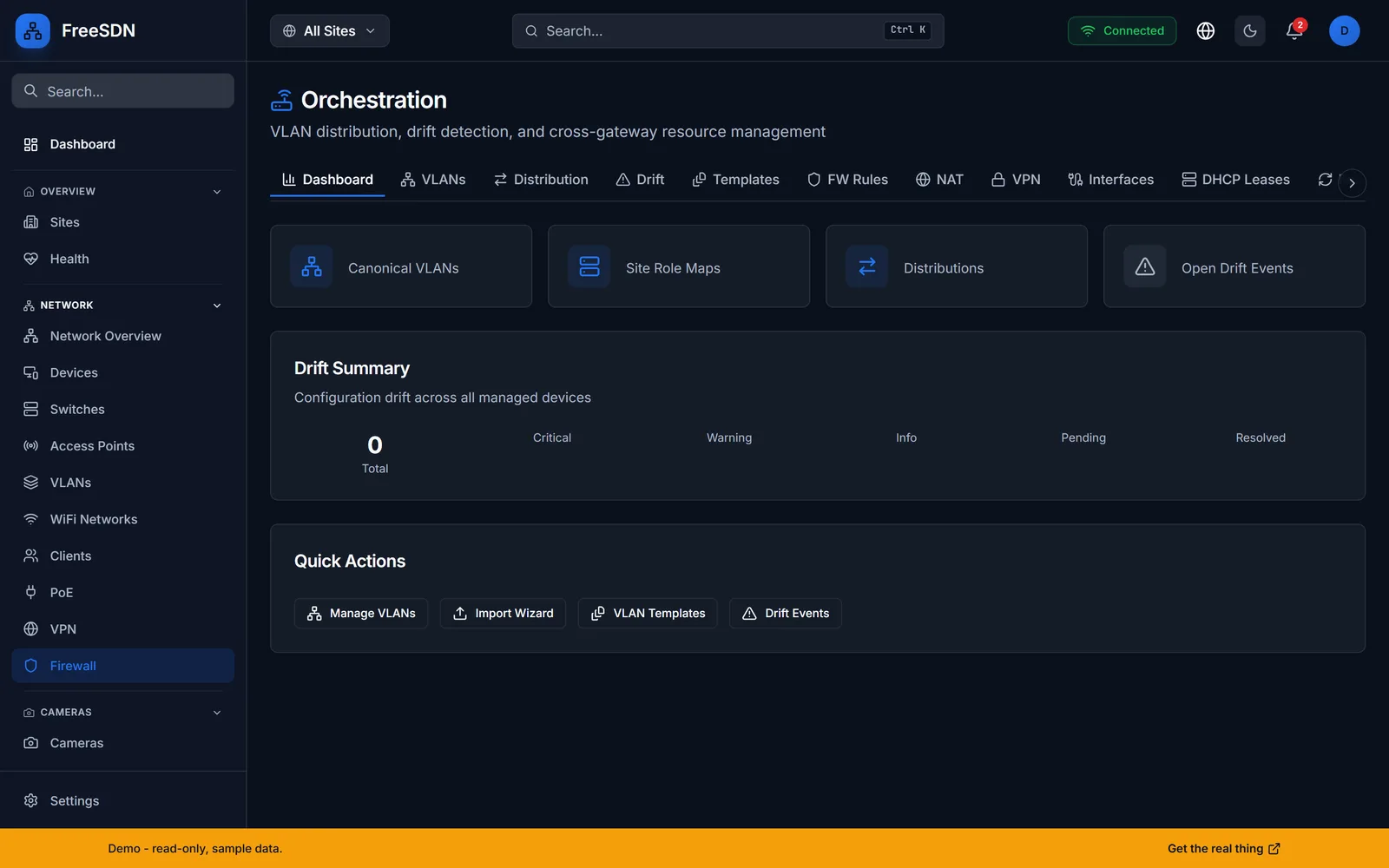
OPNsense is FreeSDN's production-grade firewall reference. It manages an OPNsense firewall and gateway over the OPNsense REST API plus the config-XML RPC, covering 13 feature domains: firewall rules, NAT, DHCP, DNS, VPN (OpenVPN, IPsec, WireGuard), routing (static routes), services, IDS/IPS, traffic shaping, system, diagnostics, interfaces, and cron.
OPNsense capabilities
Full 13-domain coverage
Everything from firewall and NAT to IDS/IPS and the traffic shaper reads, stages, and applies through the audited pipeline. Routing covers static routes plus a read-only routing table and gateway health, and the Diagnostics tab (ping, traceroute, DNS lookup) runs directly. The gateway detail page renders 18 tabs for an OPNsense controller.
Drift detection
Compare the desired-state config FreeSDN holds against what is actually running on the box, so configuration drift is visible instead of silent.
Brain and limb distribution
Push canonical Layer 2 VLANs from the brain site to OPNsense limbs, part of FreeSDN's multi-controller distribution model with saga-style rollback.
- Connects over the OPNsense REST API plus the config-XML RPC.
- Authenticates with an API key and secret stored as an encrypted credential.
- Add the credential, register the controller, then run discovery.
- Tier
- Production (firewall reference)
- Category
- Firewall
- Transport
- OPNsense REST API + config-XML RPC
- Auth
- API key + secret
- Domains
- 13 feature domains
- Writes
- Staged, dual-gate
- HA pair sync is read-only (CARP status is shown; there is no failover orchestration yet).
Explore other integrations
All adapters →See it running in your browser
Explore the full FreeSDN dashboard with realistic sample data, no signup, no backend. Then install it in minutes.